It connects fine, runs for anywhere from a few minutes to a few hours, then quietly drops off the network — sometimes reconnecting on its own a few seconds later, sometimes needing a power cycle to come back at all. There’s rarely a single obvious cause, but a short list of usual suspects covers most cases.
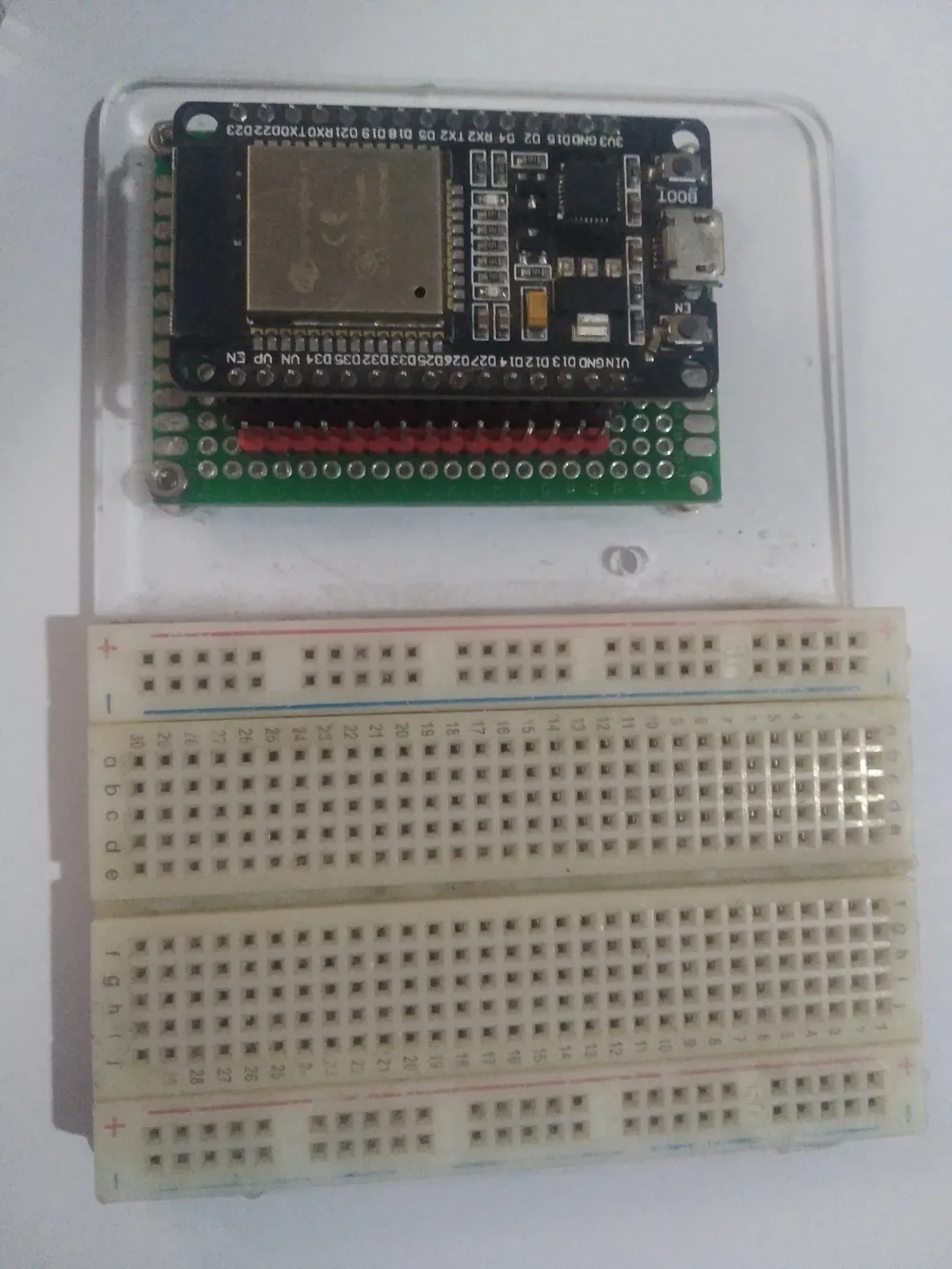
An ESP32 development board. Photo: Edwiyanto, CC BY-SA 4.0 (resized)
First, work out which shape the problem is
These two symptoms point in different directions, so it’s worth being clear which one you actually have before chasing fixes:
- Drops and reconnects on its own, repeatedly. This is almost always a power or radio-interference issue — something is briefly disrupting the connection, but the ESP32’s own Wi-Fi stack is recovering fine on its own.
- Drops and never comes back without a manual reset. This is more often a code issue — the sketch isn’t handling the disconnect event, so nothing tells it to attempt a reconnection.
If it drops and reconnects on its own
1. Wi-Fi power-save (modem sleep) is on by default. To save power, the ESP32’s Wi-Fi radio normally sleeps between beacon intervals and only wakes briefly to check in with the router. Under load — especially alongside Bluetooth, or with a router that isn’t great about buffering packets for sleeping clients — this shows up as intermittent drops or noticeably laggy reconnects. Disabling it is a single line and worth trying first:
WiFi.setSleep(false);
2. The power supply is sagging during transmit. The radio’s transmit current spikes are the same ones that can trigger an outright brownout reset — see why the brownout detector gets triggered for the full explanation. Even when the dip isn’t severe enough to reset the chip completely, it can still be enough to corrupt a packet exchange and cause a drop. If you’re also seeing occasional full resets alongside the Wi-Fi drops, fix the power supply first — a short, known-good cable into a proper 2A+ wall adapter, not a laptop USB port or hub.
3. 2.4GHz congestion or a router doing band-steering. Most ESP32 boards only support 2.4GHz, not 5GHz. If your router uses a single SSID that steers devices between both bands, the ESP32 can occasionally get bumped during a steering decision it isn’t equipped to follow. Setting up a separate, 2.4GHz-only SSID for IoT devices sidesteps this entirely. Separately, 2.4GHz is a crowded band — routers set to “auto channel” can hop channels to avoid interference, which briefly disconnects everything on them, ESP32 included. Locking the router to a fixed, less congested channel (use a Wi-Fi analyser app to find a quiet one) is worth trying if drops correlate with no obvious pattern.
4. A weak or marginal signal. Log WiFi.RSSI() alongside your other sensor data if you’re not sure — anything consistently weaker than about -75dBm is in the range where ordinary interference can push it over the edge into a dropped connection. Moving the board, or adding an external antenna on boards that support one, is the fix; no amount of code changes solves a genuinely weak signal.
If it drops and stays disconnected until reset
That’s a code-side gap, not a radio problem. Recent versions of the Arduino-ESP32 core auto-reconnect by default, but plenty of tutorials — and some older example code — explicitly disable that behaviour, or the sketch simply never registers a handler for the disconnect event and has no logic to notice it happened. Add an explicit handler so the board knows to act on it rather than silently sitting offline:
WiFi.onEvent([](WiFiEvent_t event) {
  if (event == ARDUINO_EVENT_WIFI_STA_DISCONNECTED) {
    WiFi.reconnect();
  }
});
If it only happens at a predictable time of day
That’s usually not the ESP32 at all — it points towards the router itself, particularly if it’s set to reboot on a schedule, run a DHCP lease renewal, or if a neighbouring 2.4GHz network gets busier at that time (an evening spike in nearby Wi-Fi traffic is a common culprit). Worth ruling the ESP32 out entirely by checking whether anything else on the same network drops at the same time.

